





































































Skip to content
Tegra/Agents/Google Ads Agent

Google Ads Agent

The flagship agent. Give it what you already have - a product URL, a search-term report, a feed export - and it does the work a senior Google Ads specialist would: builds Search, Performance Max, and Demand Gen on target-based bidding, finds the spend that is really wasted, routes brand traffic, cleans the Shopping feed, and audits the account.

Everything comes back as validated files that arrive Paused for you to review and import yourself, so nothing changes in your account without you.

✓Published task estimates below✓Downloadable outputs✓You review everything before it ships
Try it live

Hand it your account data. Get import-ready fixes back. Each task below costs $3-4 and takes about 1-5 minutes.

agent · google-ads-agent · ready

Choose the work. See what goes into it.

Compare the task, its inputs, and the published estimate before opening the workbench. Expand any task for its brief and required fields.

Tasks by estimated price

The number of available presets at each price. Counts describe the catalog, not usage or quality.

$3 estimate$4 estimate
Google Ads Agent
$3 estimate: 4 tasks
$4 estimate: 6 tasks

0–6 · available tasks · same scale for both estimates

Source: Published agent preset catalog · Estimates only; actual usage and billing are shown in the workbench

How each task uses research

Connected research uses an existing complete context or requests it when needed. Reuse avoids new research; supplied-input tasks work from what you provide.

All presets on this page
  • Connected research: 6 tasks
  • Reuse research: 0 tasks
  • Supplied inputs: 4 tasks

10 published presets

Source: Published agent preset catalog · Estimates only; actual usage and billing are shown in the workbench

10 of 10 tasks · charts summarize the full catalog above

Task register · prices in USD; durations are estimates
Task / inputsPrice estimateEstimated minutesResearch
Search campaign build

A complete Search campaign from your landing page: keywords picked by what you can afford to pay per click, 3 RSAs per ad group that each win a different click, 5-tier negatives, extensions - validated and import-ready.

  • Product or landing page URL · required — Scraped for positioning so headlines match the page.
  • Keywords or themes · required — One per line. Rough themes are fine - the agent researches and clusters them.
  • AOV and gross margin · optional — Sets the launch target (break-even ROAS = 1 / margin) and which keywords you can afford. Leave blank and the files arrive labeled NOT READY TO LAUNCH.
  • Monthly budget cap (USD) · optional — Treated as a hard ceiling: daily budget = cap / 30.4.
  • Ad groups · required
  • Brand voice or must-use claims · optional
Open workbench and choose “Search campaign build”
$3
Connected research
PMax asset group build

Full Performance Max asset groups from your product page: 15 headlines, 5 long headlines, 5 descriptions, 20-50 search themes, an image brief pack that goes deep on one angle, video briefs, and the launch settings checklist. Ask for the next 10 image briefs in a follow-up to complete the 20-image slate.

  • Product or collection URL · required — Scraped for positioning, proof, and price before writing assets.
  • AOV and gross margin · optional — Sets the Target ROAS floor. Blank = labeled assumptions and NOT READY TO LAUNCH.
  • Daily budget (USD) · optional — Caps how many asset groups make sense (about 5 at $75-100/day).
  • Asset groups · required
  • Current structure or export notes · optional — If supplied, the build fixes what is there. Otherwise it builds a clean v1.
Open workbench and choose “PMax asset group build”
$4
Connected research
Demand Gen kit

A Demand Gen kit per persona and angle: 5 headlines and 5 descriptions per ad group, image and video briefs in the ratios Demand Gen accepts, tCPA and budget set from your numbers, and the kill rule.

  • Product or landing page URL · required
  • AOV and target ROAS (or target CPA) · required — tCPA = AOV / target ROAS. Demand Gen launches on tCPA at $30/day per campaign.
  • Personas or angles to cover · optional
  • Kit scope · required
  • Disapproval details · optional
Open workbench and choose “Demand Gen kit”
$4
Connected research
Static ad pack

20 very aggressive finished statics for PMax and Demand Gen from your page: every headline, chip, and button baked into the image, plus the Google text assets. Render each one from the pack card.

  • Product or landing page URL · required — Product page, advertorial, listicle, or SaaS page: the pack adapts to the page type.
  • Pack style · required
  • Angle or audience · optional
  • Customer reviews · optional
Open workbench and choose “Static ad pack”
$4
Connected research
Search-term waste finder

Reads your search-term report and separates real waste from terms that just need time - using a cut floor tied to your target - then returns add-only negatives and new keywords as import-ready files.

  • Search-term report · required — Best result: last 30-90 days.
  • Target CPA or ROAS, and AOV · required — Sets the cut floor = max($30, 3 x target CPA). Without it, every cut is held.
  • Your brand terms · optional
Open workbench and choose “Search-term waste finder”
$3
Supplied inputs
Brand traffic routing

Keeps brand clicks cheap and in the right place: a Manual CPC brand campaign, brand misspelling protection, negatives that keep brand and collab terms out of non-brand campaigns, and the PMax brand routing setup.

  • Account or client label · required
  • Brand terms · required — One per line. Include domain variants and misspellings.
  • Brand homepage or best-selling page · optional — Final URL for the brand campaign.
  • Active influencer / collab terms · optional
  • Search-term report sample · optional — Used to catch brand leakage, misspellings, and collab bleed.
Open workbench and choose “Brand traffic routing”
$3
Supplied inputs
Shopping feed audit + rewrite

Checks your Merchant Center feed against the current field rules, flags missing identifiers and weak attributes, and rewrites your weakest titles, short titles, and custom labels into an upload-ready file.

  • Merchant Center ID or store label · required — Used for naming only. The website agent cannot connect to Merchant Center.
  • Feed export or product sample · optional — Without feed data the agent returns the export checklist instead of inventing SKU findings.
  • Category or collection to focus on · optional — Leave 'all' to scan the full catalogue.
  • Goal · required
Open workbench and choose “Shopping feed audit + rewrite”
$4
Supplied inputs
Full account audit

The whole account checked module by module - bidding against the launch rules, PMax settings, Search structure, feed, Demand Gen, waste above the cut floor - every issue ranked by impact with the fix attached.

  • Account or client label · required — Used for report naming. Attach exports or paste data below for real diagnostics.
  • Audit scope · required
  • Target CPA or ROAS, AOV, monthly spend · optional — Lets the audit judge bidding, budgets, and waste against your real target.
  • Attached exports or pasted data · optional — Best result: Campaigns, Search terms, Keywords, Asset groups, and Ads reports.
Open workbench and choose “Full account audit”
$4
Supplied inputs
Keyword expansion pack

Grows a handful of seed keywords into a researched plan: intent clusters, CPC headroom per keyword against what you can afford, ad-group mapping, and which clusters to fund first.

  • Seed keywords · required — One per line. 2-10 seeds is the sweet spot.
  • Product or category URL · optional — Optional - keeps the expansion anchored to what you actually sell.
  • AOV, margin, target ROAS · optional — Used for max viable CPC = AOV x margin x CVR / target ROAS.
  • Market · required
Open workbench and choose “Keyword expansion pack”
$3
Connected research
Competitor ads teardown

Pulls apart a competitor's ad strategy: the angles they run, the claims they lean on, and the counter-positioning gaps your ads should attack - scored for how open each gap really is.

  • Competitor domains · required — One per line, up to 3.
  • Your product URL · optional — Optional - lets the teardown end in counter-ads written for YOUR offer.
  • Focus · required
Open workbench and choose “Competitor ads teardown”
$4
Connected research

Source: Published agent preset catalog · Price bars: $0–$4. Time bars: 0–5 minutes. Separate scales; neither represents observed performance.

The full scope, at a glance.

Open a work area to inspect the full task list. These are catalog capabilities; they do not represent completed account work.

Google Ads Agent · capability register
Work area / capabilityScopeControl
Shopping & Feed
  • Audit Shopping feed for schema gaps, missing GTINs, attribute density
  • Rewrite product titles for keyword density without breaking compliance
  • Set margin, velocity, and funnel custom labels for PMax
  • Find search-term waste above a cut floor tied to your target
4 capabilitiesReview before use
PMax & Search
  • Route brand traffic: Manual CPC brand campaign + brand negatives
  • Set launch targets from AOV and margin (no target, no launch)
  • Write RSAs where each ad wins a different click
  • Build full PMax asset groups with image and video briefs
4 capabilitiesReview before use
Audit & research
  • Plan a controlled AI Max test once buyer-intent lanes are saturated
  • Tear down competitor angles and score the open gaps
  • Cluster non-branded queries to identify content gaps
  • Build Demand Gen kits and replace disapproved ads safely
4 capabilitiesReview before use

Source: Google Ads Agent task catalog · 12 listed capabilities across 3 work areas

Supported in the task catalogMissing evidence gets flaggedNo direct account publishing
The line · shipping live

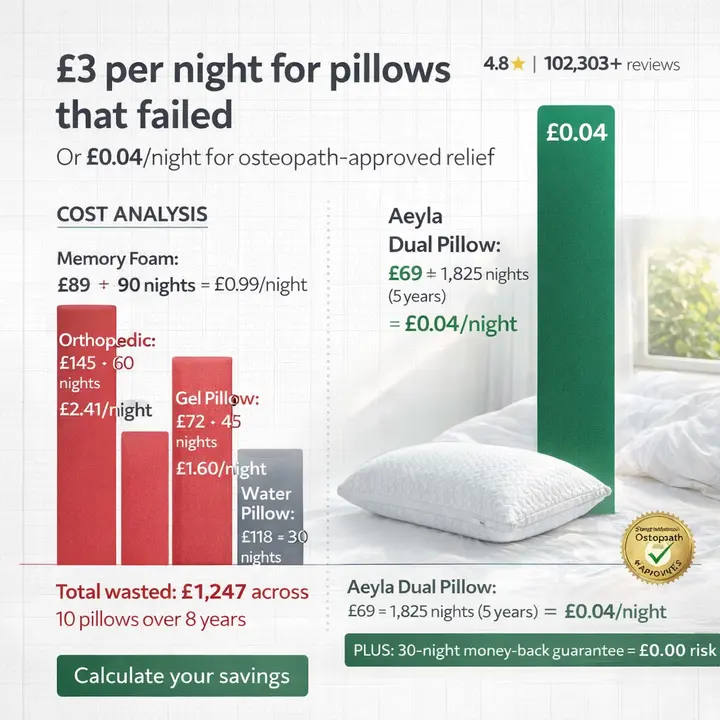
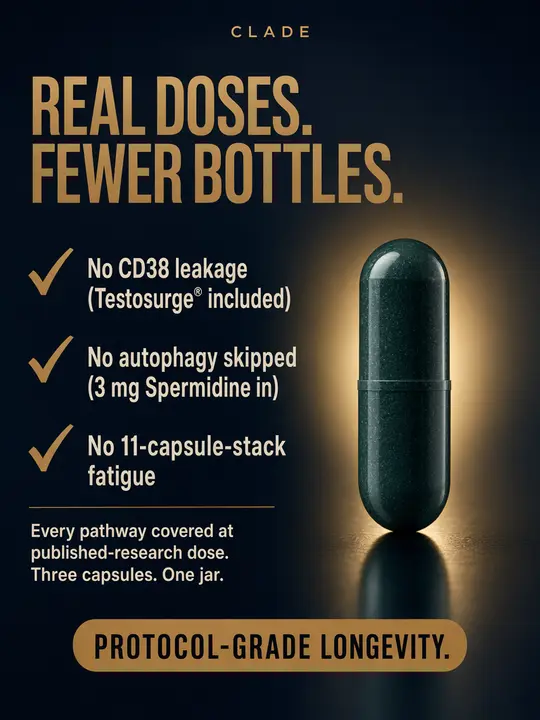
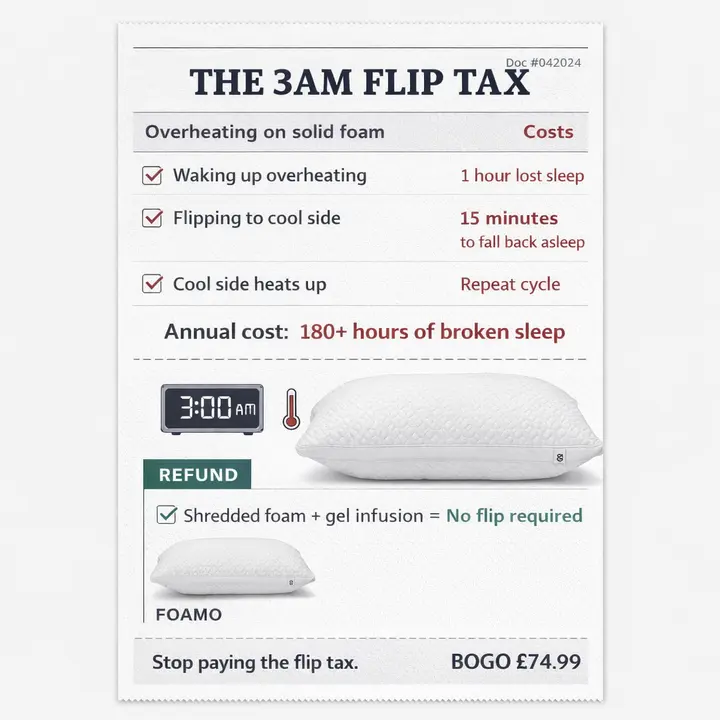
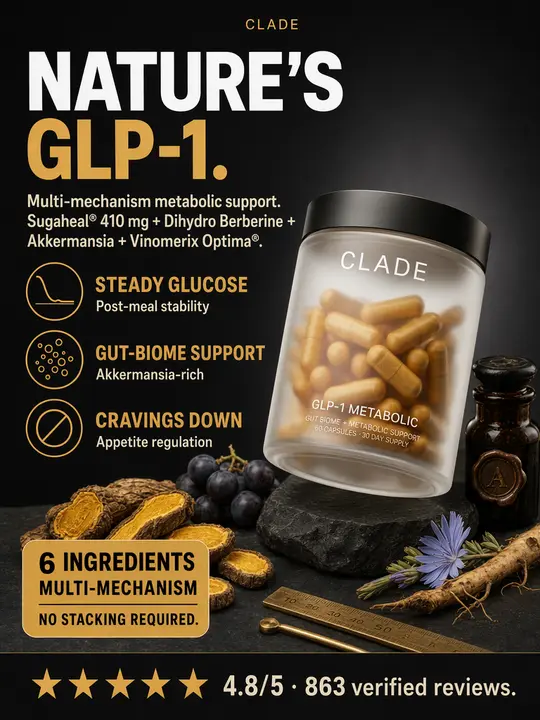
Thousands of creatives. Shipped every week. This is what’s running right now.

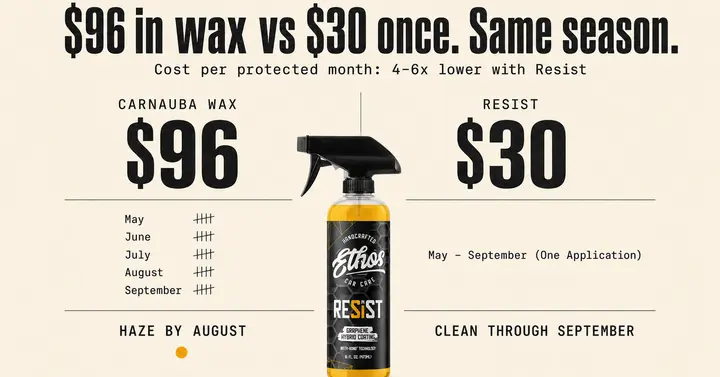
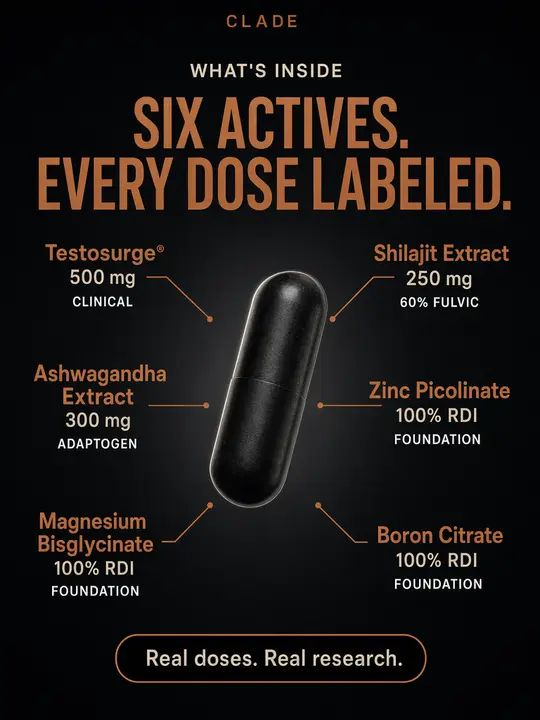
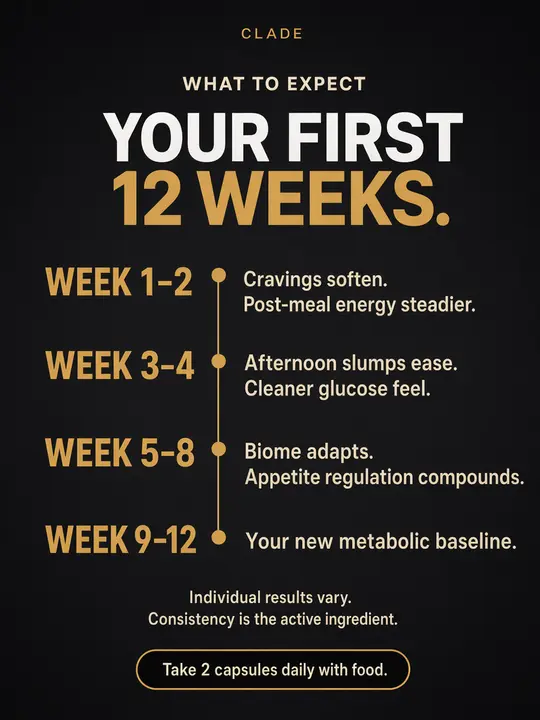
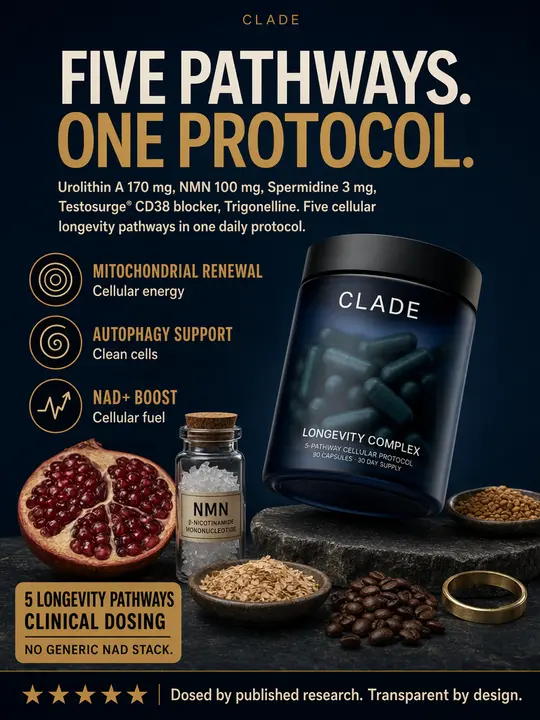
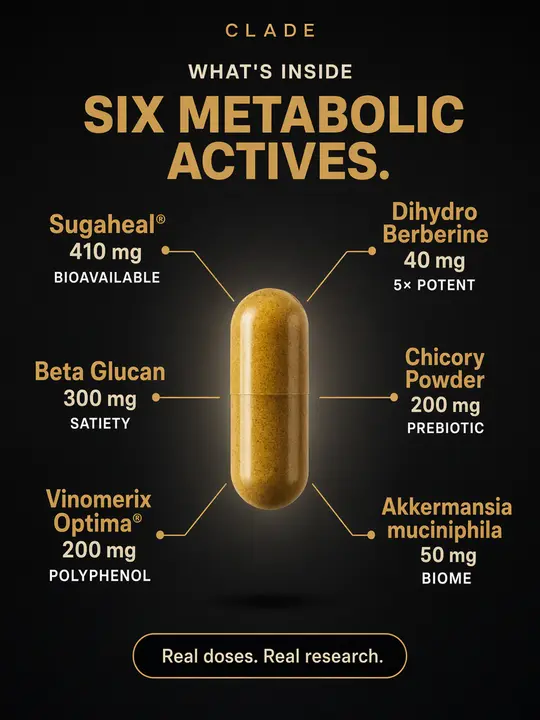
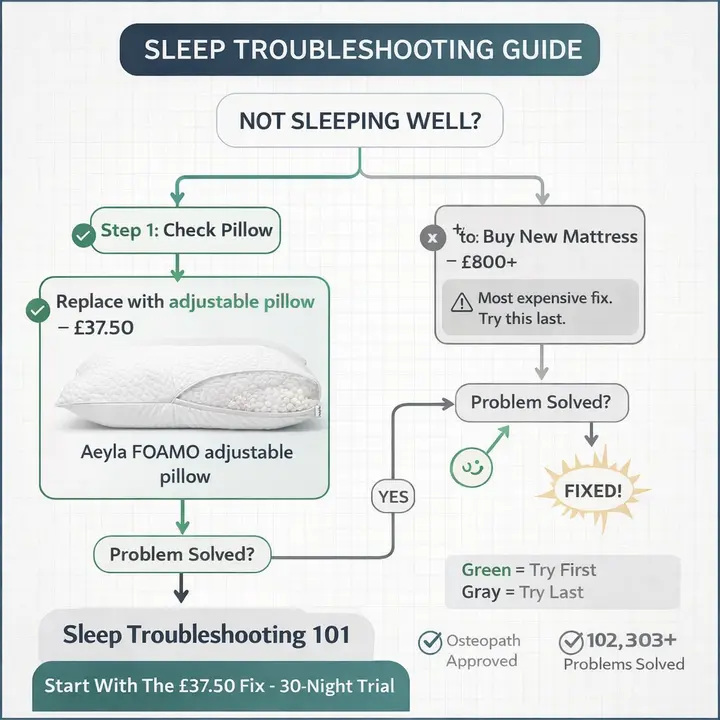
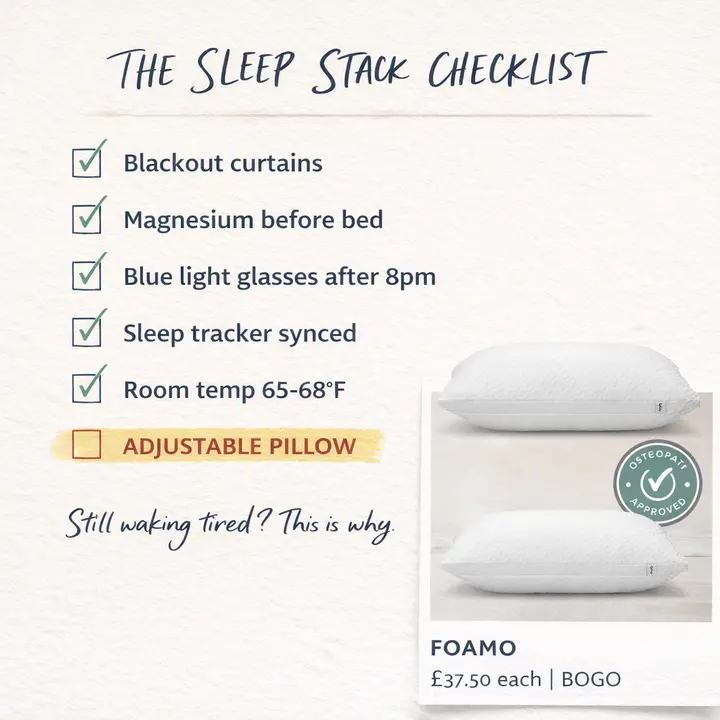
Statics, motion, claymation, founder UGC, 3D mascots, narrative spots - every frame on this reel left a Tegra agentic system this month and is live in a paid account today. We don’t pitch creative. We ship it, then we measure it.

3,400+
lifetime
240+
this month
7 days
gen → live
Tegra Studio performance creative
Foamo - Sleep · pillow
Valeva performance creative
Live in market - Display · 16:9
Tegra Studio performance creative
Live in market - Feed · 1:1
Tegra Studio performance creative
Clade - Hormonal balance
Tegra Studio performance creative
Live in market - Display · 16:9
Tegra Studio performance creative
Clade - Men's vitality
BePresent performance creative
Foamo - Sleep · pillow
Valeva performance creative
Live in market - Feed · 1:1
Tegra Studio performance creative
Live in market - Feed · 1:1
BePresent performance creative
Clade - GLP-1 · supplements
Tegra Studio performance creative
Live in market - Display · 16:9
Tegra Studio performance creative
Live in market - Portrait · 4:5
Tegra Studio performance creative
Foamo - Sleep · pillow
Valeva performance creative
Foamo - Sleep · pillow
Live in market - Feed · 1:1
BePresent performance creative
Foamo - Sleep · pillow
Tegra Studio performance creative
Clade - Longevity · supplements
BePresent performance creative
Foamo - Sleep · pillow
Tegra Studio performance creative
Clade - GLP-1 · supplements
Tegra Studio performance creative
Clade - Longevity · supplements
Valeva performance creative
Live in market - Display · 16:9
Tegra Studio performance creative
Clade - Longevity · supplements
Tegra Studio performance creative
Live in market - Portrait · 4:5
Valeva performance creative
Live in market - Feed · 1:1
Tegra Studio performance creative
Live in market - Feed · 1:1
Foamo - Sleep · pillow
Tegra Studio performance creative
Live in market - Portrait · 4:5
Tegra Studio performance creative
Live in market - Feed · 1:1
BePresent performance creative
Live in market - Display · 16:9
Valeva performance creative
Live in market - Display · 16:9
BePresent performance creative
Foamo - Sleep · pillow
Tegra Studio performance creative
Clade - Hormonal balance
Tegra Studio performance creative
Clade - GLP-1 · supplements
Tegra Studio performance creative
Clade - Longevity · supplements
Tegra Studio performance creative
Live in market - Feed · 1:1
Tegra Studio performance creative
Foamo - Sleep · pillow
Tegra Studio performance creative
Foamo - Sleep · pillow
Tegra Studio performance creative
Live in market - Feed · 1:1
Tegra Studio performance creative
Clade - GLP-1 · supplements
Foamo - Sleep · pillow
Valeva performance creative
Live in market - Feed · 1:1
Clade - Men's vitality
Live in market - Portrait · 4:5
Foamo - Sleep · pillow
Live in market - Feed · 1:1
Clade - GLP-1 · supplements
Live in market - Portrait · 4:5
BePresent performance creative
Live in market - Feed · 1:1
● STATIC + REEL · MIXED FORMATSHover any row to pause it · refreshed weekly87 of 3,400+ shown
See all the work →

From your inputs to reviewable work.

A clear handoff at every stage. Your account stays under your control.

Google Ads Agent · how a run works
  1. Brief the agent

    Pick a preset, fill the intake form, and attach exports when the mode needs real account data. Or write your own prompt with a product URL, feed CSV, search-term report, or competitor list.

    Input · your source material
  2. Agent plans + executes

    The website agent reads supplied data, drafts import-ready assets, and labels assumptions. It does not write to Google Ads directly.

    Output · evidence + draft
  3. Review + deploy

    Download the CSVs or copy the steps into Google Ads Editor, Merchant Center, or the Google Ads UI. Keep final account changes under your control.

    Decision · yours to make

Illustrative workflow, not a live run tracker. Account changes and publishing happen through your own review and action.

  • Check the source

    Confirm that the account, product, and evidence match the task you briefed.

    Evidence
  • Review the deliverable

    Resolve flagged claims and assumptions before you use the files or recommendations.

    Review
  • Choose what goes live

    You control imports, budgets, publishing, and the final account changes.

    Your decision

What the output looks like.

Examples from the published agent catalog show the shape of the output. Status and duration describe each example; this is not a live account feed.

Google Ads Agent · catalog examples
ExampleDeliverableExample statusDuration
DTC supplements brand
Search build delivered as 7 Paused Editor files · Target ROAS set from margin · keywords picked by CPC headroompending review4 min · $3
Home goods store
PMax asset group: 15/5/5 text assets, 20 search themes, 20 image briefs on one angle, settings checklistpending review5 min · $4
Beauty brand
Brand traffic routing: Manual CPC brand campaign + Own Brand negatives for non-brand campaigns, import-readypending review1 min · $3

Source: Published catalog examples · Not live telemetry or independently verified performance results

Recent updates

What just shipped. Frameworks, tools, and quality gates.

View all updates →
20
OCT
Featuremajor1.4.0

Google Ads Agent v1.4.0: builds that finish, on the production system's current rules

The Google Ads Agent now builds Search, Performance Max, and Demand Gen files in one validated step, so research-backed builds deliver their files inside a single run. Every build follows the production system's current launch rules, and every file arrives Paused.

  • ✓**Builds deliver their files.** Search, PMax, and Demand Gen builds hand the agent's plan to a builder that writes the exact Google Ads Editor files, checks them, and returns them in one step.
  • ✓**No target, no launch.** Non-brand campaigns launch on a target-based bid strategy calculated from your AOV and margin (break-even ROAS = 1 / margin), brand defense runs separately on Manual CPC, and Maximize Clicks is no longer recommended.
  • ✓**Keywords chosen by what you can afford per click.** Keyword selection uses CPC headroom against your economics instead of fixed volume and CPC floors.
14
OCT
Improvementminor1.3.0

Google Ads Agent v1.3.0: GPT-6.1 Sol, and builds that stay inside the scope you set

The Google Ads Agent now runs on GPT-6.1 Sol, the newest flagship model, and it holds to the scope you give it. Tell it to skip external research or to build exactly two RSAs per ad group and that is what you get, with files that match what it validated.

  • ✓GPT-6.1 Sol is the default model and the Sol option in the model picker, and runs on it cost less: credits are now charged at GPT-6.1 Sol's published rates, which are lower than the previous Sol's.
  • ✓The picker now offers two tiers: Sol, and Luna for fast drafts at about a tenth of Sol's price.
  • ✓Your stated scope now overrides the build defaults.
11
JUN
Featureminor1.2.0

Google Ads Agent v1.2.0: post-launch optimization with directional discipline

The Google Ads Agent now optimizes live campaigns, not just new builds. The new SEARCH OPTIMIZE mode reads your search term report and walks three directional passes - sense, add, remove - borrowed straight from the production system that manages live spend across 21 brands. Adds and removals are never mixed in one list, because mixed lists are how mass-deletion mistakes happen.

  • ✓New SEARCH OPTIMIZE mode: bring a live campaign and a search term report, and the agent runs three directional passes.
  • ✓Hard evidence bars on every recommendation: every metric names its window (30, 90, or 180 days), nothing is removed on Google's "Low" labels alone, and anything with a conversion in the lookback window never appears on a removal list.
  • ✓Cadence guidance ships with every run: MINE + GROW as a weekly loop, HARDEN as a quarterly cleanup, with the next step named in the closing actions.
Self-host on your stack

Run the agent online for trial. Self-host the full system for unlimited runs.

Lifetime access · self-hosted · price locked at purchase

Each system runs on Claude Code or Codex · operator approval on every action · your data stays yours

Questions about Google Ads Agent

What to know before you run.

10 straight answers about what this agent needs from you, how it does the work, and what you get back when a run finishes.

Ten jobs in one conversation. The first line of every reply names the mode you're in, so you always know whether the agent is building, auditing, optimizing, rewriting your feed, or researching - and you switch modes just by giving it different material.

Give it a product URL and it builds campaigns from scratch. A Search build comes back as ready-to-import files: a campaign on a target-based bid strategy, ad groups, keywords chosen by what you can afford per click, three responsive search ads per ad group that each win a different click, a five-tier negative-keyword architecture, and extensions.

A Performance Max build fills every asset group completely - 15 headlines, 5 long headlines, 5 descriptions, 20 to 50 search themes - plus 20 image briefs that go deep on one angle and three to five video briefs. Demand Gen kits come per persona and angle, with the ratios Demand Gen actually accepts.

Give it a CSV export from your account and it audits instead. Performance Max gets scored across 13 modules, Search across 6 phases. It shows where money is really leaking - using a cut floor tied to your target, not a gut feel - where campaigns are cannibalizing each other, and hands you a 30-day fix list ranked by impact and effort.

Give it your product feed and it rewrites it - titles that lead with what shoppers search, standalone short titles, margin and velocity custom labels, the right 32 to 39 column schema. Or give it competitor names and it scores how crowded each angle is, then writes the positioning brief for the territory nobody has claimed.

A chat window writes copy that sounds good in isolation. This agent writes copy that survives a programmatic filter before it touches your screen.

Every headline passes the 3 Rule Copy Filter, and every build file is serialized and validated in code - character limits, headline overlap, match types, negatives, statuses - so it imports into Google Ads Editor cleanly.

It also calls real tools while the run is in progress. DataForSEO returns verified search volume, cost per click, and competition for every keyword in the output, with each number tagged as verified rather than estimated.

The page scraper reads the product context off the URL you give it. The Blue Ocean module scores competitors deterministically, so re-running the same competitor batch produces the same numbers. None of that exists in a chat window.

Search Build and Performance Max Build need a product URL. Add your average order value and gross margin: the launch target is calculated from them, because a campaign without a target spends but does not hold. Without them you still get the files, labeled with assumptions and NOT READY TO LAUNCH.

Search Audit and Performance Max Audit need campaign, ad group, keyword, search term, and responsive search ad reports exported as CSVs from the Google Ads UI under Reports, Predefined.

Shopping Feed needs a Merchant Center or Shopify product export. Three columns - id, title, and price - are enough to start; the agent builds toward the full 32-column schema from whatever you give it.

Competitor Research needs three to ten competitor URLs or names. More competitors mean more accurate saturation scoring. Keyword Research needs bare seed keywords and your niche or audience description.

Not in the public version on this page. The agent produces Editor compatible CSVs that you import yourself. You keep full control over what touches your account and what your team reviews first.

The productized version, the Google Ads AI Agentic System at $19,997, can write directly through the API. Even there, every change set lands in a review queue before anything writes to your account.

Auto deploy is opt in and scoped per asset group. Every change is logged with a reversible diff. You always see the planned change before it ships, and you can always revert.

Build runs come back as ready-to-import files, all Paused: your campaigns and ad groups, exact-match keywords, and three complete responsive search ads per ad group.

On top of that, a negative-keyword file split into five tiers - competitor brands, wrong intent, irrelevant business, semantic drift, and brand protection - plus an extensions file.

Performance Max builds add full asset groups, a 20-image brief pack, and three to five video briefs. Demand Gen kits add per-ad-group copy, image and video briefs, and the kill rule.

Audit runs come back as scored diagnostics, module by module, plus a search-term waste analysis, a cannibalization map, and a 30-day backlog with every line rated by impact and effort.

Shopping runs return rewritten feed rows - one CSV per funnel layer, titles that lead with the words shoppers search. Competitor research returns the Blue Ocean scorecard out of 100 and an angle brief that names exactly which territory is open.

Four components, each scored out of 25. Saturation measures how crowded the angle is in your competitive set. Mechanism measures how novel or proprietary your proof of how the product works actually is.

Audience measures how specific your target is, since vague segments score low. Proof measures the density and quality of validation embedded in the angle.

A score above 75 is blue ocean, ship now. Between 50 and 74 is contested, ship with a sharper hook. Below 50 is red ocean, pick a different angle.

The scoring uses fixed weights and a deterministic saturation calculation, so re-running the same competitor batch produces the same scores. That repeatability is what makes the score usable as a planning input rather than a vibe.

Yes for build modes. You provide the product URL and the constraints (average order value, margin, customer acquisition cost ceiling) and the agent builds the campaign architecture from first principles. There is no minimum spend or history requirement.

Audit modes need at least 30 days of campaign data and a search term report to produce statistically meaningful diagnostics. With less than 14 days the agent will tell you the audit is directional rather than statistically grounded, and recommend that you re-run once your data window expands.

Those tools surface optimization opportunities. You still build the campaigns, write the copy, and restructure the feed yourself. The Google Ads Agent does the building.

It produces the Editor file, the rewritten feed, the negative keyword architecture, and the counter positioning brief. The diagnostic surface is comparable. The difference is what lands in your folder when the run finishes.

It cannot connect to your Google Ads account in the public version. For direct write access, use the productized agent.

It does not build landing pages or produce video in the public version, and renders static images only when you ask. The self-hosted system ships the full landing page suite and the image and AI video production pipelines.

It does not replace a senior media buyer's judgment when you are scaling past roughly $100,000 a day in spend. At that scale you bring in human operators for the high consequence calls. The agent stays useful for everything below that line.

Paste the competitor URLs. The agent detects the mode shift, announces in plain text that it is switching to competitor research, pauses the build, runs the differentiation analysis, and uses the emotional truth extraction from the in-progress build to inform the Blue Ocean scoring.

Context carries forward across the mode shift.

When the research is done, ask the agent to resume the build with the new positioning insights baked in. You do not lose the build context, and you do not have to start a second conversation.

Still on the fence? Send a question and a senior operator replies in under 4 hours.
hello@tegra.co →

Explore the other specialist.

Meta Ads Agent

A complete Meta creative strategist in one chat - people, desires, and angles mined from your real reviews, statics with 5x5x5 feed copy, video scripts, Ad Library spy, funnel diagnosis.

See tasks and deliverables →
DISCUSS YOUR CHANNEL AND IMPLEMENTATION

Founder-led execution on your accounts.
Or run them yourself.

Two ways to work with Tegra. Book a 30-minute discovery call with a founder to see whether your account is a fit for full-funnel done-for-you execution. Or skip the call entirely — buy a productized system and self-deploy in a day.